<img height="1" width="1" style="display:none" src="https://www.facebook.com/tr?id=160502848039072&amp;ev=PageView&amp;noscript=1">

Product Updates

Keep up with our latest releases.

Latest releases

May 2026

Kimoby Voice

Answer every call 24/7

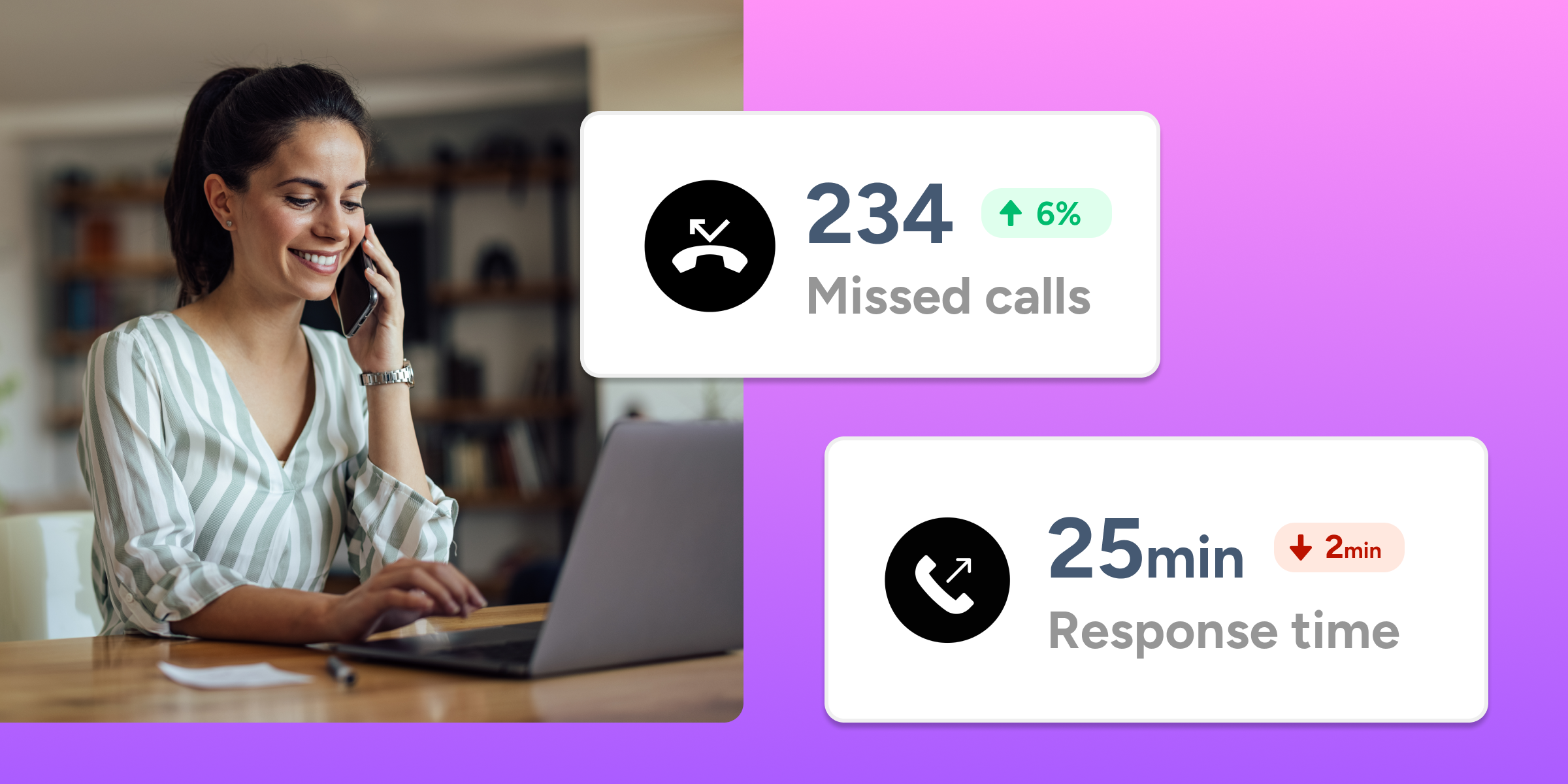
Answer every inbound call, match it to the right advisor and open repair order, and keep the conversation going as a text thread with Kimoby Voice. 

  • Inbound call handling for missed and after-hours calls
  • Smart caller and RO matching
  • Phone-to-text in one step
  • AI-generated call summaries in seconds
  • Management visibility into call handling and sentiment
Learn more
May 27, 2026

Kimoby Pay

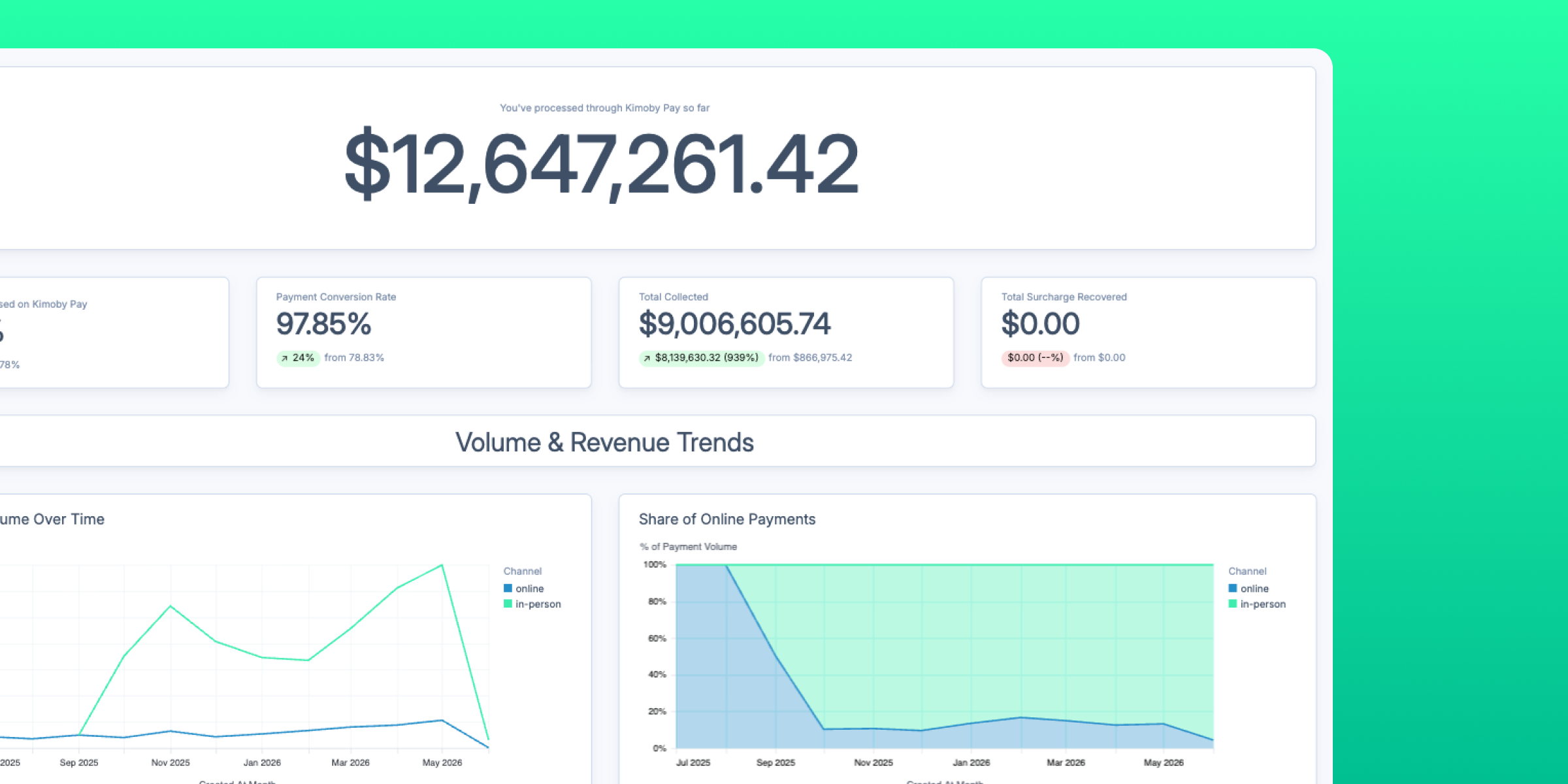
Your complete payment dashboard is here

With the Kimoby Pay dashboard, you see how long customers take to pay, how much surcharge you've recovered, whether your refund rate is trending the right way, and more. 

Find it here 
Metrics → Kimoby Pay
Payment_dashboard_V2
May 26, 2026

Kimoby Go

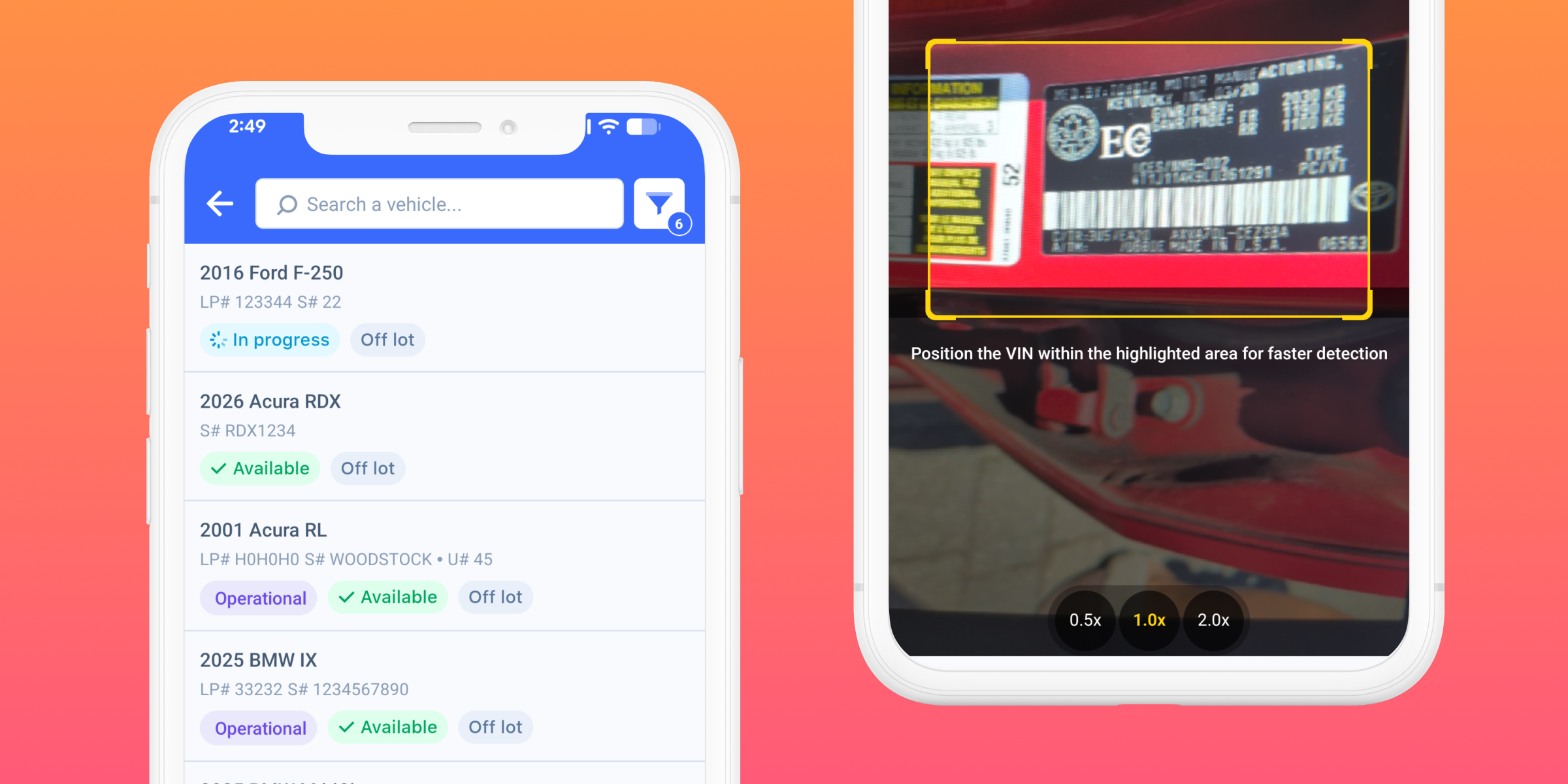
Manage your fleet from your mobile device

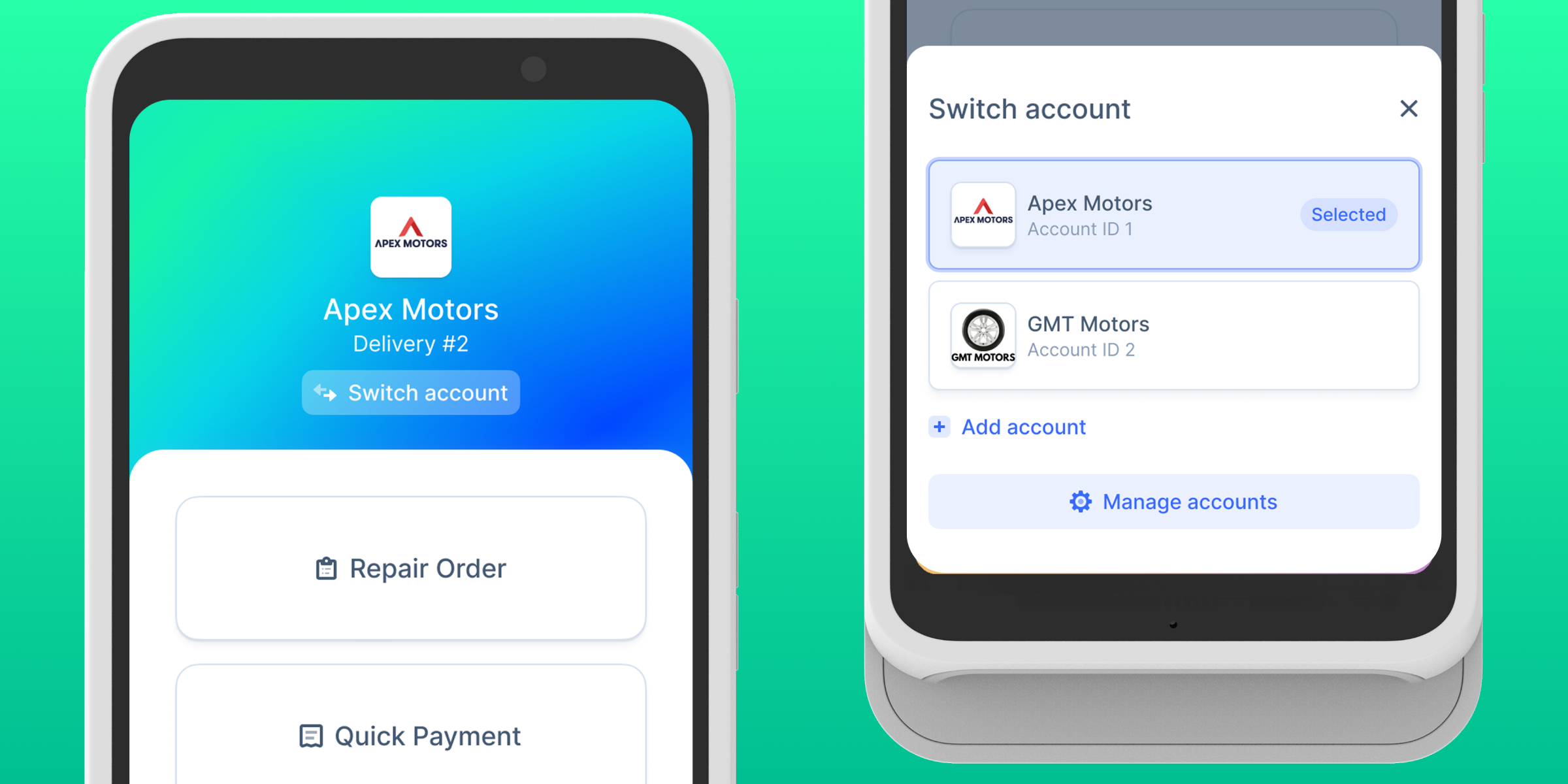
Manage your loaner fleet directly from your mobile device, and add any vehicle to it by scanning its VIN right from the parking lot. 
Go_mobile_V3
May 25, 2026

Kimoby Grow

Win back customers who went quiet after your last campaign

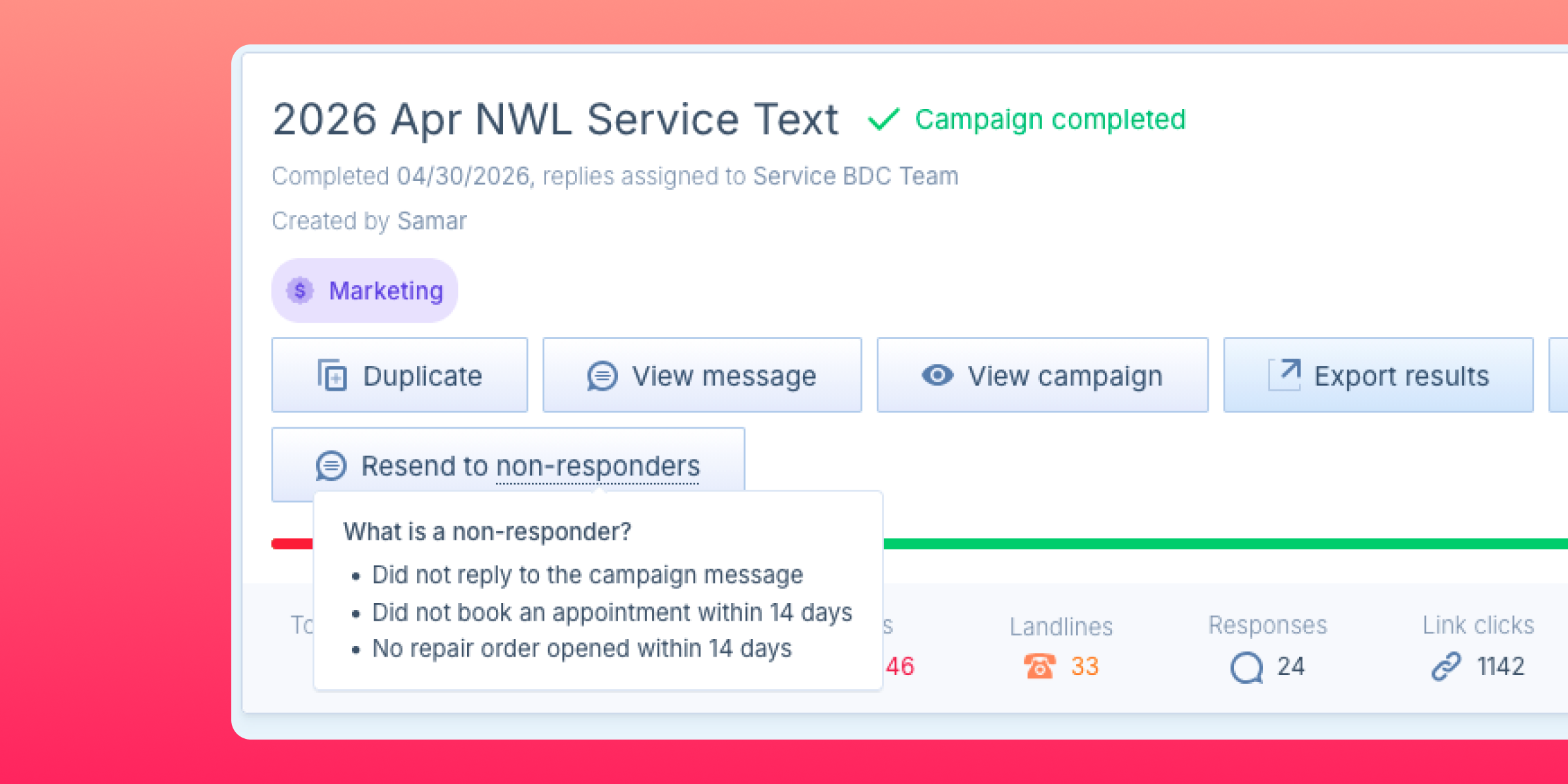
Recover the customers who missed the first message without rebuilding any list manually.

Campaign results now include a Resend to non-responders option. It builds a targeted group of customers who did not reply, did not book, and had no repair order opened within 14 days of the original send. You can refresh that group at any time before launching your follow-up.

Find it here
Campaigns → open a completed campaign → click Resend to non-responders in the results view.
non_respondent_2
May 20, 2026

Service Lane OS

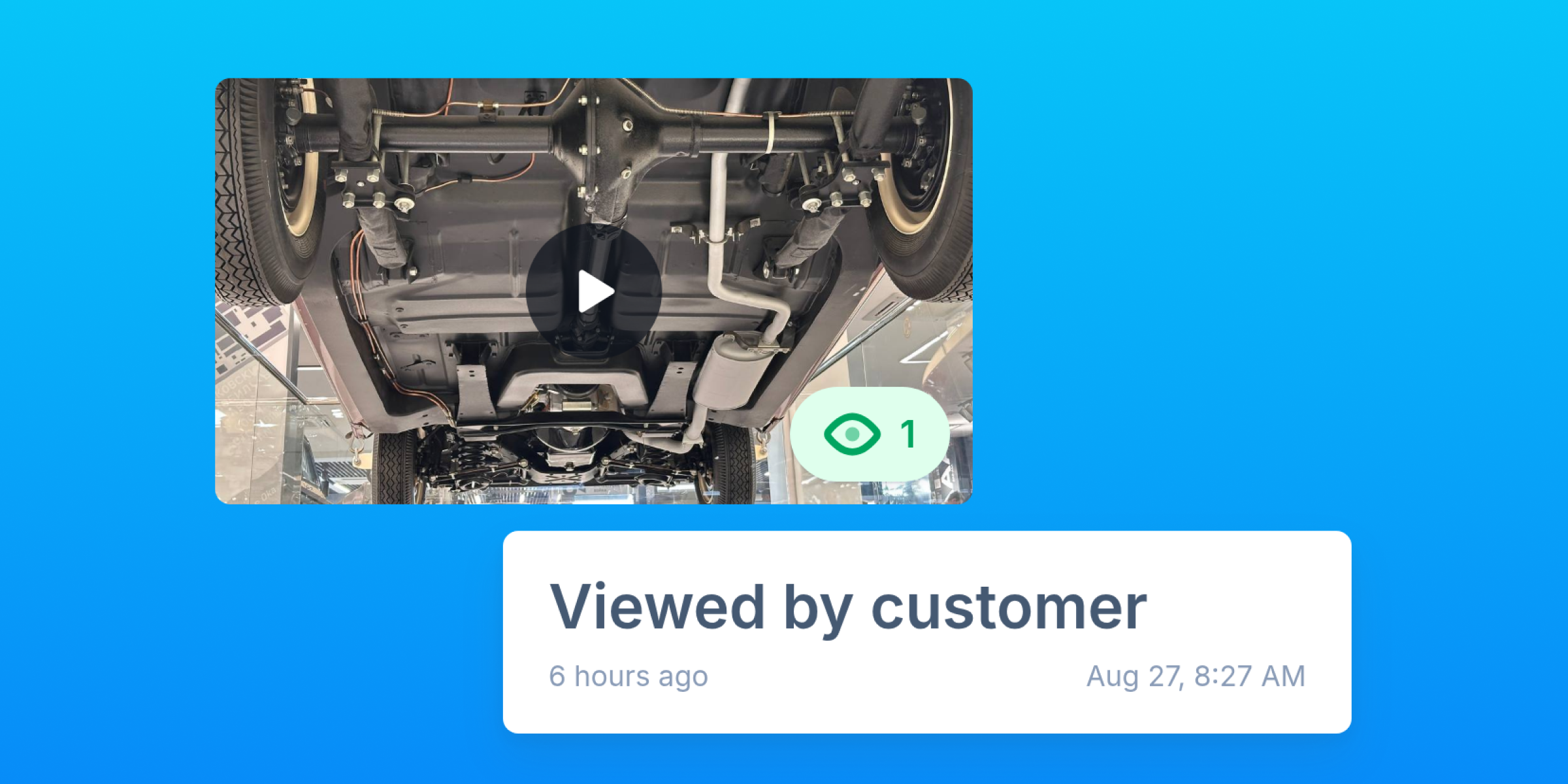
Every video gets a score out of 100

Track video quality across your whole team without watching every video yourself. Every video your techs shoot now gets a score out of 100, with frame-by-frame analysis. Each score includes a breakdown of what worked, what to improve, and one AI quick win your tech can act on right away.

Find it here
  • Open any video in the app. The score and feedback appear on the video detail page under Scoring.
  • Overall video quality can be found in the 2 first graphs under Metrics → Media (admins only).
Scores are only available for videos uploaded on or after May 11th.
May 14, 2026

Service Lane OS

MPI templates generated from your own sheets

You can now upload a PDF or photo of any existing MPI sheet and Kimoby will automatically generate a digital template from it.

What this means for you
Get a new MPI template instantly on your own, without waiting on anyone or paying extra for it.

Find it here
Repair orders → Inspection forms → Create template.
From there, simply upload your MPI sheet.

May 12, 2026

Service Lane OS

Major updates to your mobile app with V4

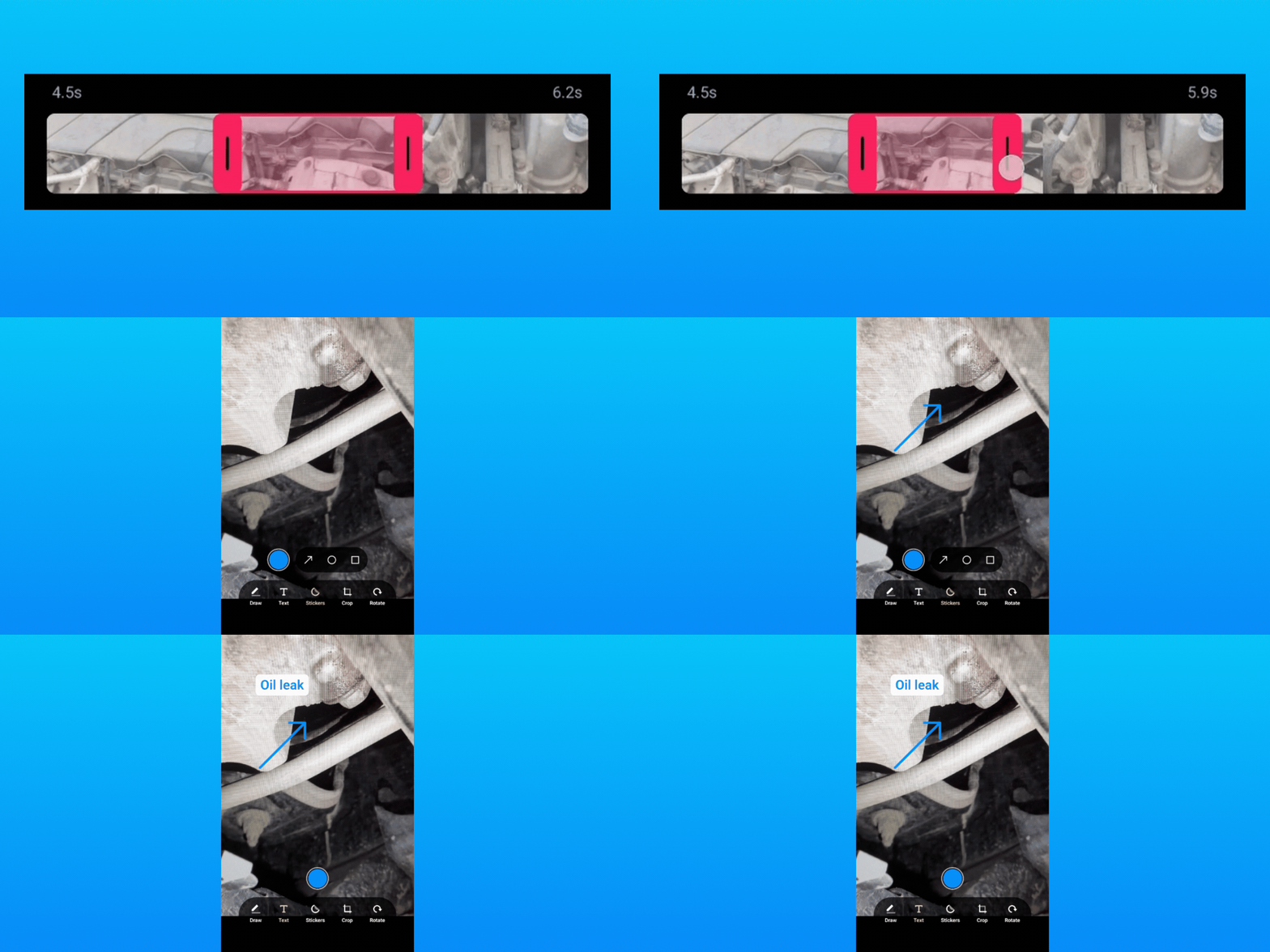
The v4 release is out and it's a full revamp of the Kimoby mobile app: from the upload engine to the camera. 

No more waiting for videos to upload
Uploads no longer depend on the app staying open, techs can shoot a video, tap send, and walk to the next car. 

  • Up to 5 uploads run in the background at the same time
  • Closing the app, locking the screen, incoming calls, and the phone falling asleep no longer stop an upload
  • Batch sends now show a grid with live progress on each file
Camera and video merging redesigned 
Techs work fast with gloves and in bad light. Fixes across the camera have been made for this reality. 

  • Improved brightness controls, with a faster slider and three ways to dismiss
  • Video is the new default capture mode, configurable per device
  • Up to 20 items per capture session
  • Bigger camera feed
  • Cleaner and faster video merging

Find it here
Live on iOS and Android. Your team will be prompted to update through the App Store or Google Play, and everything turns on automatically.
May 5, 2026

Service Lane OS

A faster way to add parts to an estimate

Adding parts to an estimate now matches the way parts staff actually work.

  • When you'd rather pull a full job in at once, paste any block of part numbers, descriptions, quantities, and prices straight from your EPC or DMS. The paste does not need to be cleanly structured. You get a column mapper to assign each one to part number, name, quantity, price, or skip, and every line lands on the estimate together in one click. 

  • You can move through every field with Tab and Enter, and as soon as a part number is filled in, the cursor drops to a fresh line so you keep typing without ever reaching for the mouse.
May 4, 2026

Service Lane OS

Generate an estimate from an MPI with one click

Once an MPI is finished on a repair order, you can generate the full estimate in one click. You get back lines with the 3Cs already filled in (Complaint, Cause, Correction), and each failed inspection item is linked to the matching line. If there's a video on the RO, the transcript can feed in too.

What this means for you
Advisors stop building estimates from scratch, so estimates go out faster and your team spends less time typing.

Find it here 
For Service Lane OS Pro accounts only:
Repair Orders → Inspections → Open a completed MPI → Generate estimate with AI.

April 7, 2026

Service Lane OS

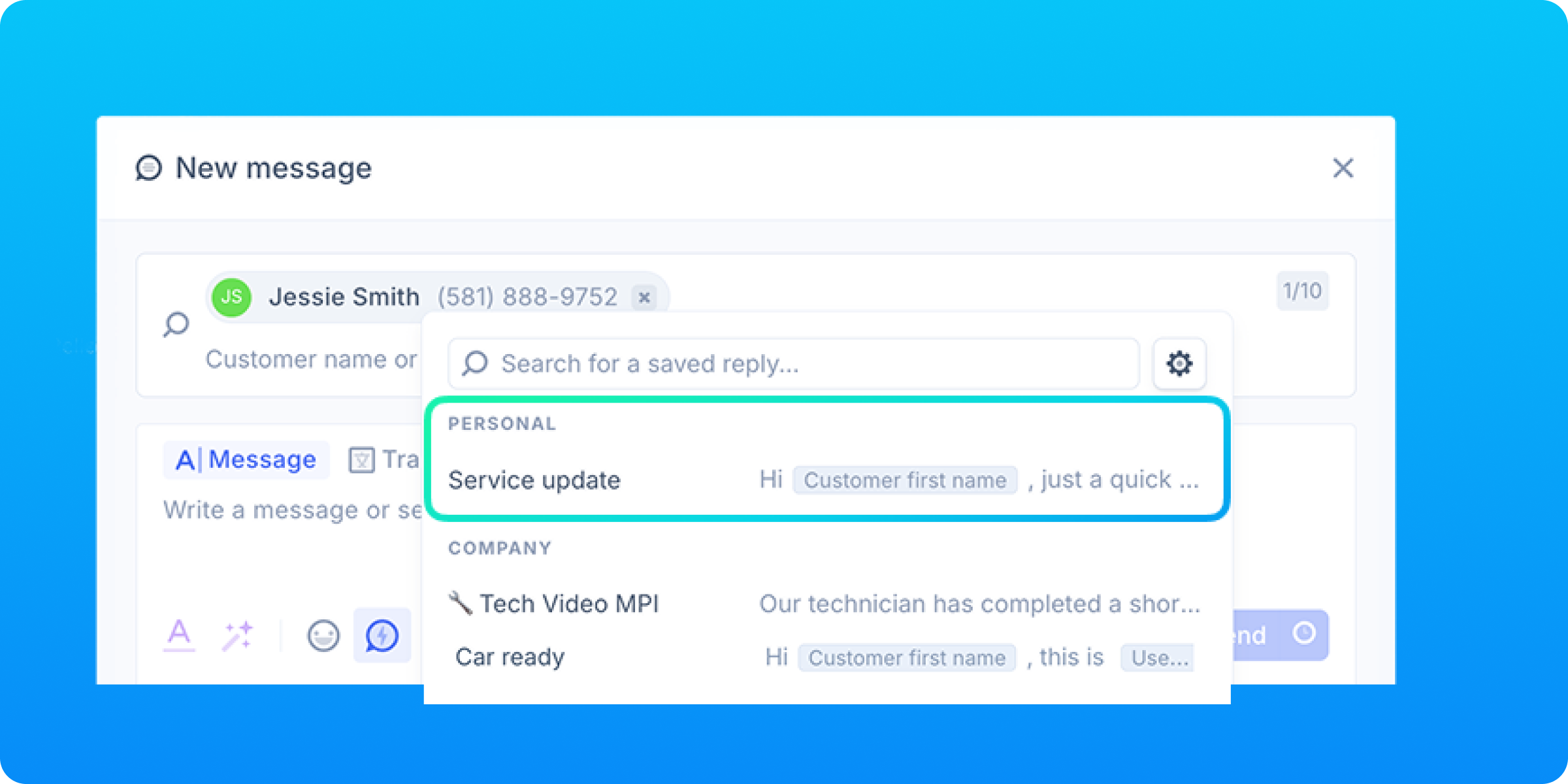
Advisors can now save their own quick replies

Advisors can now create their own personal saved replies, separate from the shared company library. They appear in the saved replies menu under Personal and are managed directly from company settings, no admin needed.

What this means for your team
The messages advisors use most are one click away, without touching shared templates or waiting on anyone.

Find it here
Company settings → Saved replies.
a191cd088bee9066c7a7fc22bd253aa8
April 6, 2026

Service Lane OS

See exactly where your customers are

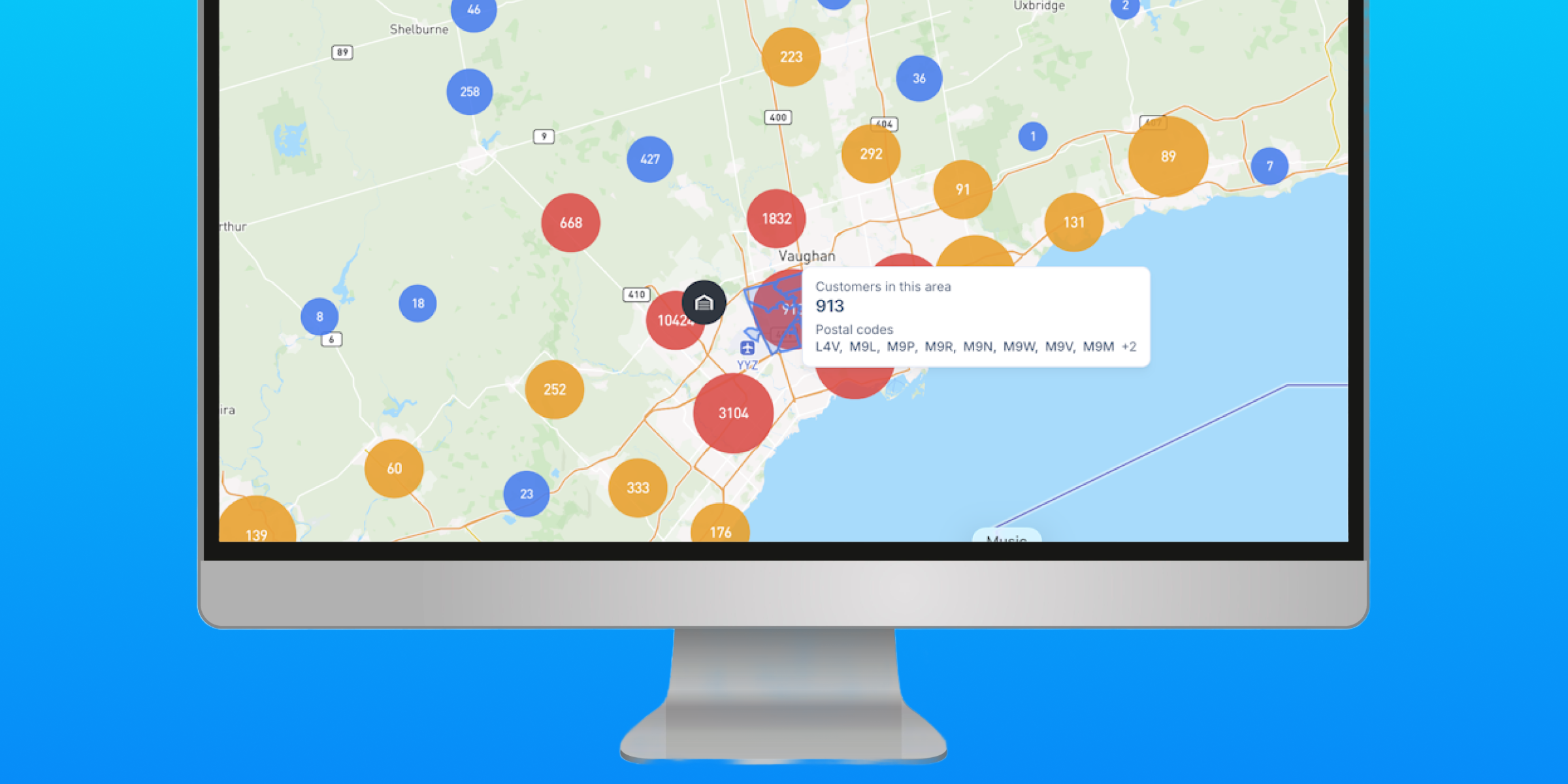
A new customer map groups your customers by location so you can instantly spot where they're concentrated, identify areas with untapped potential, and make smarter decisions about outreach and territory planning.

Click any cluster to see the number of customers and the postal codes it covers.

Find it here
Customers → Customer Map
06cd9d72393f31104d44a72970a4dcb9
March 10, 2026

Service Lane OS

Send your inspection findings and estimate in a single link

Introducing Service Lane OS Pro
Service Lane OS Pro brings digital multipoint inspections (MPI) and a rebuilt estimate builder together so nothing gets missed and more work gets approved.

How it works 

1. Inspect
Every tech follows the same structured multi-point inspection (MPI), every time. Every finding is documented with photos and videos, giving your team more to present and more to sell.

2. Estimate
Turn yellow and red findings  into detailed estimate lines built with your OpCodes and parts catalog. No retyping needed.

2. Approve
One link delivers everything to your customer's phone: inspection, video, and pricing. They approve or decline on the spot so you can get an answer while the car's still on the lift.
February 2, 2026

Kimoby Go

Loaners agreements are now more customizable

We've improved loaner agreements based on your feedback. Here's what's changed: 

Reach customers in their language
Select English, French, or both when creating an agreement. Customers automatically receive it in their preferred language based on what's set in your DMS. If there are no preferences on file, it defaults to your account's language.

Add third-party lessor information
Working with another company for your loaners? Include their logo, name, and address in the agreement so everything's clear and compliant.

Brand your agreements
Add your dealership's logo and custom text to the header and footer to make every agreement look unmistakably yours.

Set defaults by loaner pool
Assign a specific agreement to each pool so the right agreement goes out every time.
January 29, 2026

Kimoby Go

Get notified when a loaner exits without a booking

Accounts with Kimoby Go will now receive a notification when a loaner vehicle leaves the dealership’s geofenced area without an active booking, giving you clearer visibility and helping you catch potential issues sooner.

How it works
This notification is automatically enabled with a default 30-minute delay. The delay gives you flexibility and helps prevent unnecessary alerts from short exits.

To disable the notification or adjust the delay, go to Kimoby Go → Settings → Geofences and make changes in the Dealership Exit Notification Delay section.

Want to see Kimoby in action?

Book a demo with one of our experts and learn about everything our DES has to offer!

Contact Us

Pricing

Flexible and transparent pricing with no hidden fees or contracts.

Pricing Detail →

Integration DMS

Seamless integration with your DMS for efficient operations.

View all integrations →